
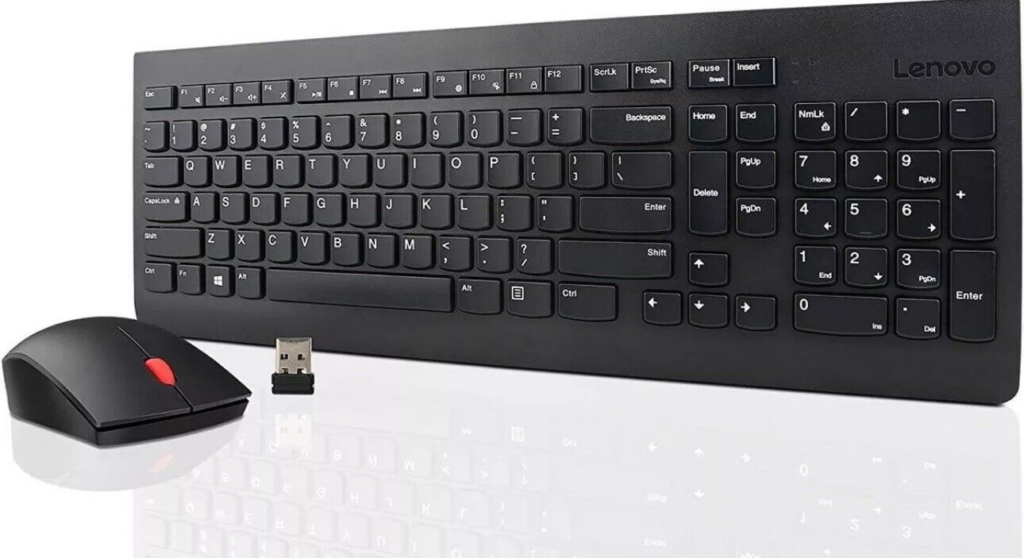
Trying to find information on how to pair (connect) the Lenovo Essential Wireless Keyboard and Mouse combo is like pulling teeth, so I've decided to share what I know here in hopes of helping others get the devices paired quickly.
- To pair the Keyboard
- Remove batteries
- Press & hold F2, F3, F4, and insert batteries (Amber LED doesn't turn on)
- Release buttons and tap 3 key once
- Amber LED starts blinking slow
- Place keyboard near dongle
- Amber LED starts blinking fast and stops
- To pair the Mouse
- Turn off mouse
- Press & hold left and middle buttons, turn on mouse (Amber LED doesn't turn on)
- Release buttons and tap middle button once
- Amber LED starts blinking fast
- Place mouse near dongle
- Amber LED stops blinking after a moment
Hope this helps you get the devices working again!