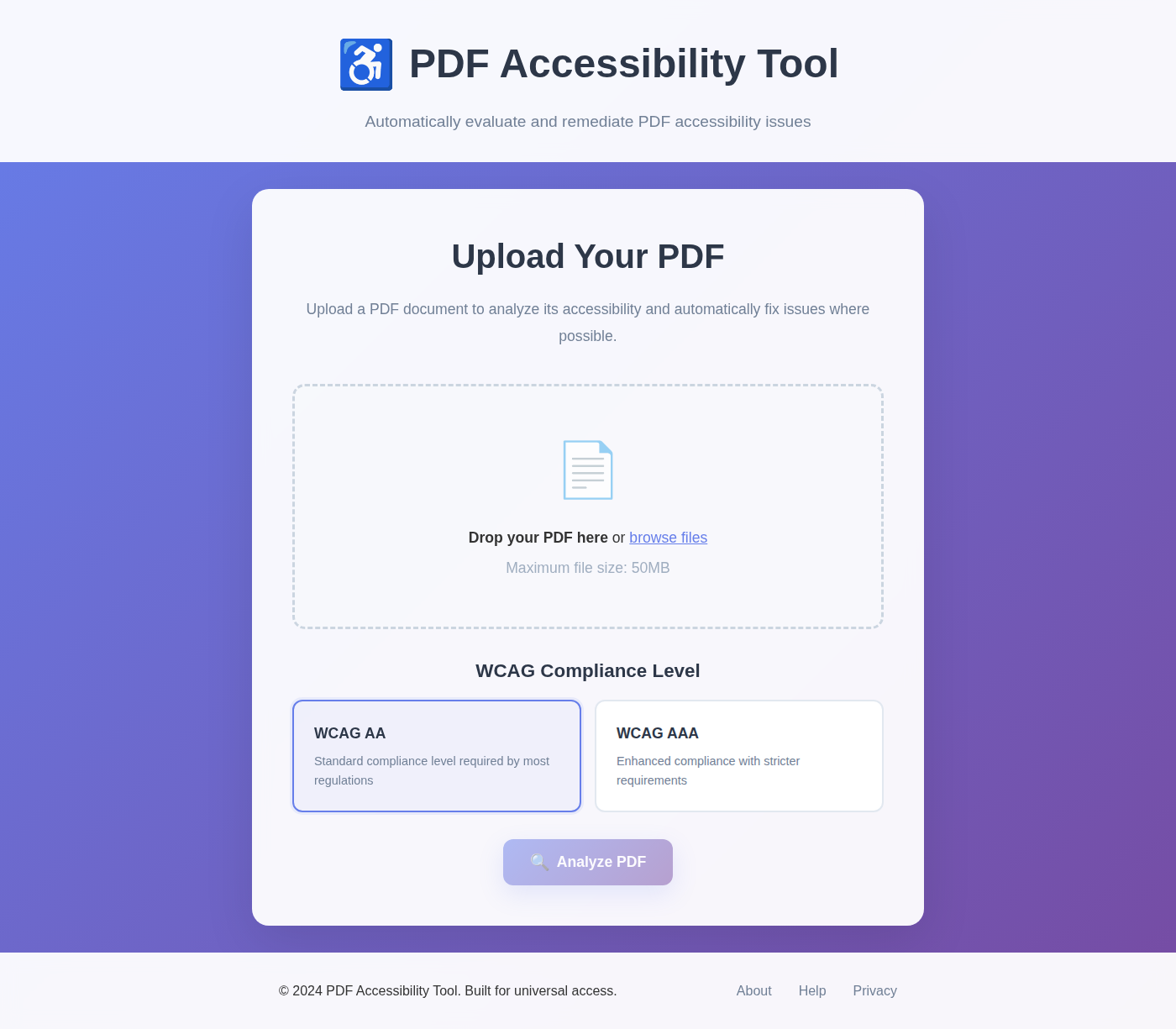
Docubil (formerly the PDF Accessibility Tool) is a free, open-source tool that checks PDF documents against the Web Content Accessibility Guidelines (WCAG 2.1, levels AA and AAA). It fixes the problems the document itself shows the answer to, and gives you a clear report on everything that still needs a person.
Why it exists
PDFs are everywhere: forms, reports, notices, applications. Too many of them can't be read by the people who rely on screen readers or other assistive technology. The tools that check and fix PDF accessibility tend to be expensive, desktop-only, or built for specialists. Docubil aims to put that capability in reach of any workplace, community group or individual, whatever their budget or technical background.
How it works
- Upload a PDF and choose WCAG AA or AAA.
- Docubil checks it: tagging and structure, document language and title, image alternative text, form field labels, headings, colour contrast, bookmarks, and reading order.
- It fixes what it can prove. When the answer is in the document itself (its language from its text, its title from its first heading, a form field's label from a readable name), Docubil applies the fix.
- It's honest about the rest. When a fix needs human judgement, like describing an image or tagging an untagged document, Docubil says so and explains what to do, instead of filling in a placeholder that only looks fixed.
- Download the improved PDF and a report you can share.
Encrypted and digitally signed PDFs are checked but never rewritten, so their protection and signatures stay intact.
What's been happening
The project has been through a thorough rebuild of its foundations:
- A public plan and decision log. Every phase of work now has a clear goal and success criteria you can check, and every significant decision is written down with the reasoning behind it.
- Accuracy first. Docubil now has a growing test set of real-world PDFs with known answers, and every change is checked against it automatically. The focus has been making sure the tool never reports a fix it didn't make, or flags a problem that isn't there.
- A modern, accessible interface. The interface is built in React and tested for accessibility on every change, so the tool practises what it preaches.
- Security and reliability. It's backed by automated security scanning and dependency checks, a Docker image that's tested on every change, and a simple install that doesn't need admin rights.
- Open-source housekeeping. There are clear contribution guidelines, issue forms (including one specifically for reporting results Docubil got wrong), and release notes written for people, not just developers.
Where it's heading
The next big step moves all of Docubil's processing into your web browser. That means:
- Your PDFs never leave your device. There's nothing to upload and nothing stored on anyone else's server.
- It installs without admin rights, as an app from your browser, and works offline. That makes it usable on locked-down work computers.
- There'll be a free public version that anyone can use from a link, with the same privacy guarantee.
Get involved
- Report a result Docubil got wrong. Accuracy reports are the single most useful contribution, and each one becomes a permanent test case. (Please don't attach confidential documents; remove anything sensitive first.)
- Contribute code or documentation. Start with the contribution guide, and open an issue before taking on anything large.
- Ask questions or share ideas in GitHub Discussions or on Discord.
Find out more
- Source code and documentation: github.com/jshields-ca/Docubil
- The plan (what's done, what's next, and how success is measured): PLAN.md
- Why things are the way they are: DECISIONS.md
- What changed in each release: Releases and CHANGELOG.md
- Run it yourself: the README covers Docker and the no-admin install
- How to contribute: CONTRIBUTING.md
- Report a bug or a wrong result: Issues
- Community: Discord
License: GNU AGPL-3.0. Free to use, study and improve, and improvements to hosted versions stay open too.